Set it and play
Pick a preset, tap Start, and put the phone between the players. Custom setup is there when you need it.
 Chess Clock
Over-the-board chess clock
Open a preset, put the phone between the players, and play. Chess Clock handles fast casual games and the odd controls real players still ask for: delay, Bronstein, byo-yomi, Canadian, and move-count stages.
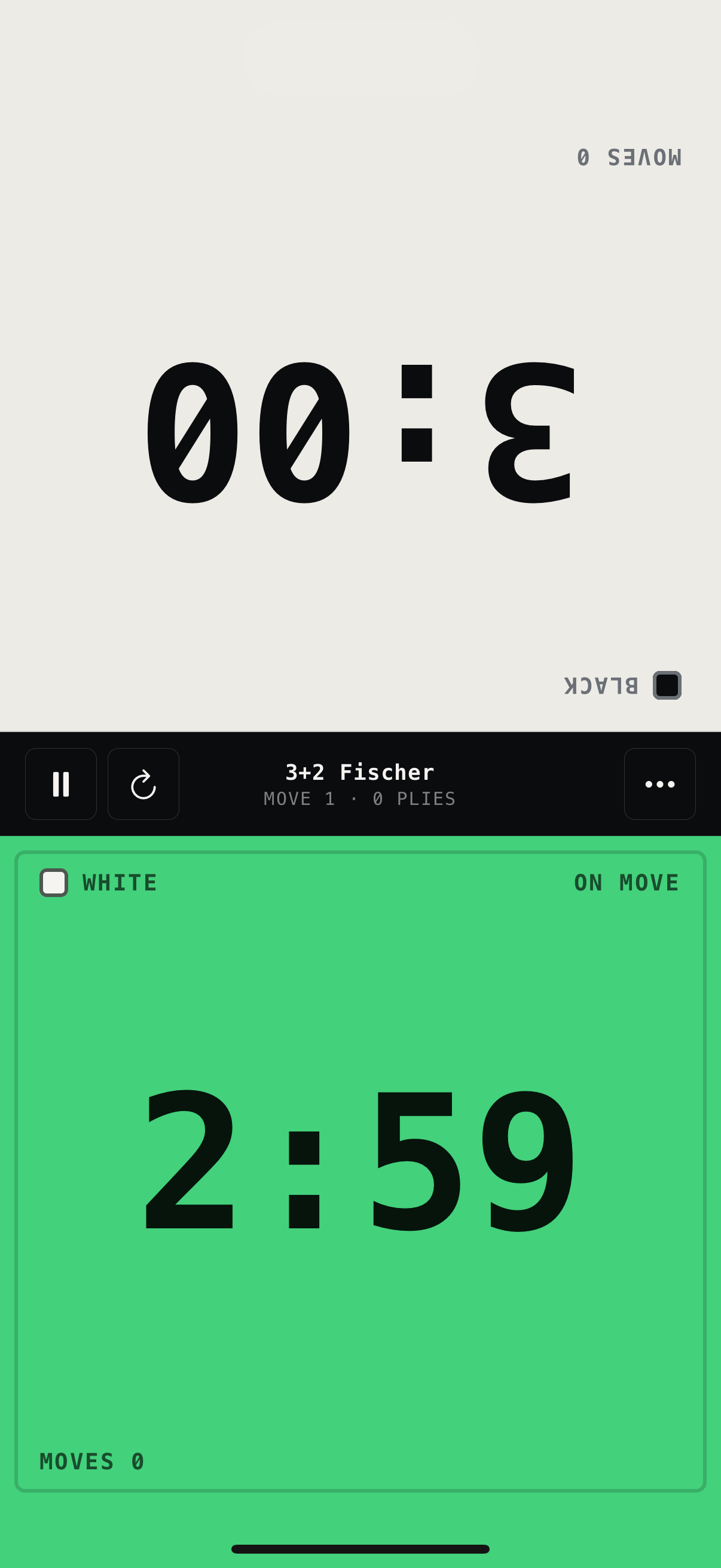
Preset first, custom only when you need it.
Install it and start a clock.
Large tap areas, clear turns, optional lock mode.
At the board
Players need big targets, obvious turns, and controls that stay out of the way once the game starts. That's the whole brief.
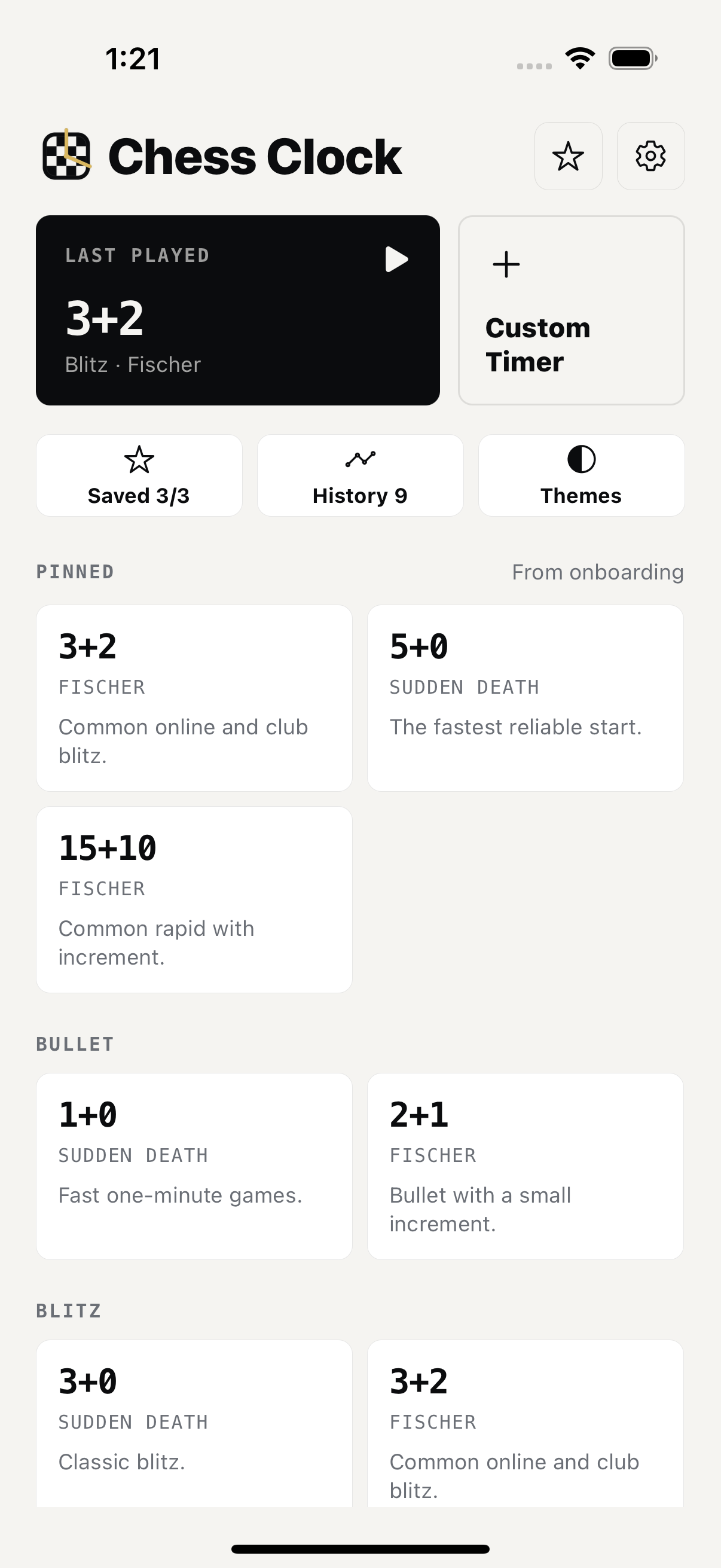
Pick a preset, tap Start, and put the phone between the players. Custom setup is there when you need it.
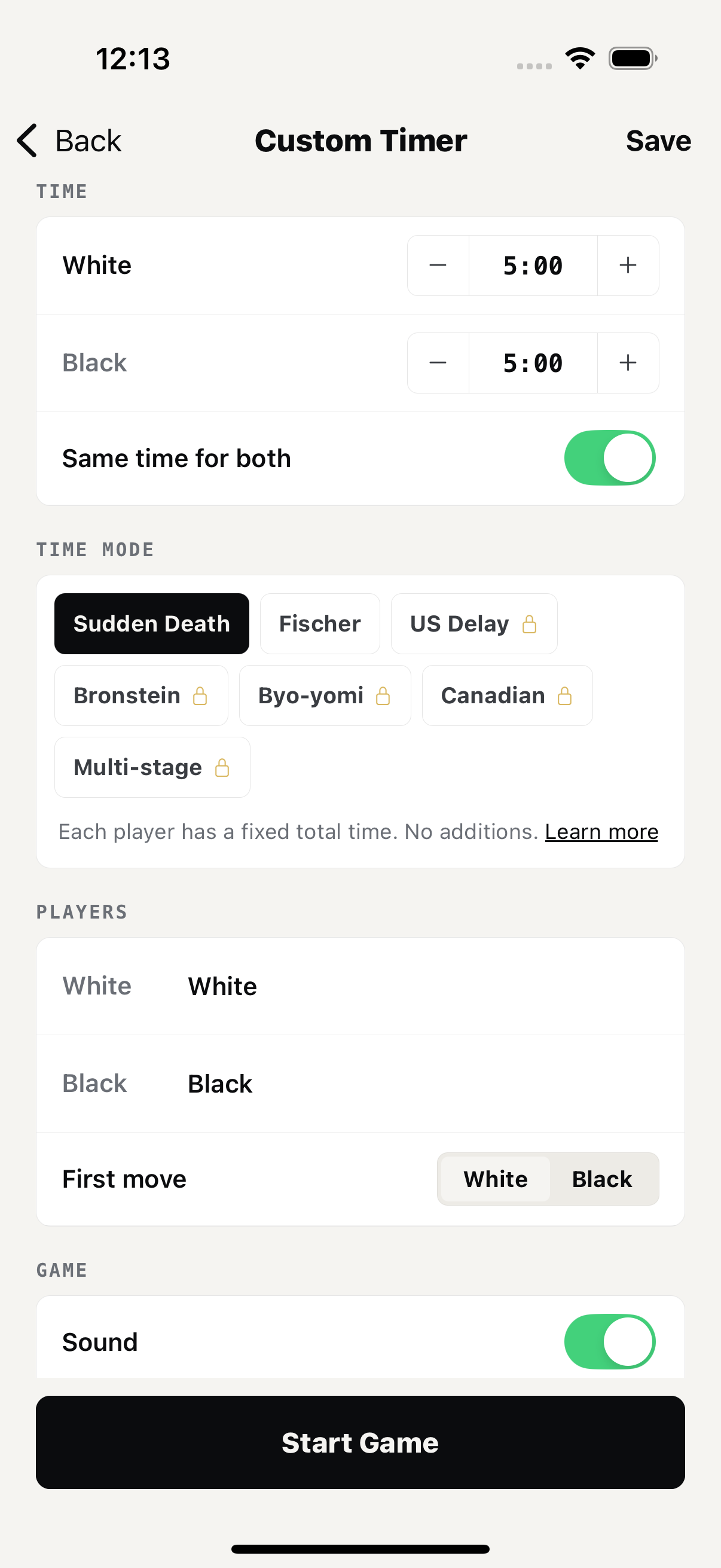
Fischer, Bronstein, US delay, byo-yomi, Canadian, and move-count stages are all supported.
The active side is obvious from across the board, with sound, haptics, and low-time alerts when you want them.
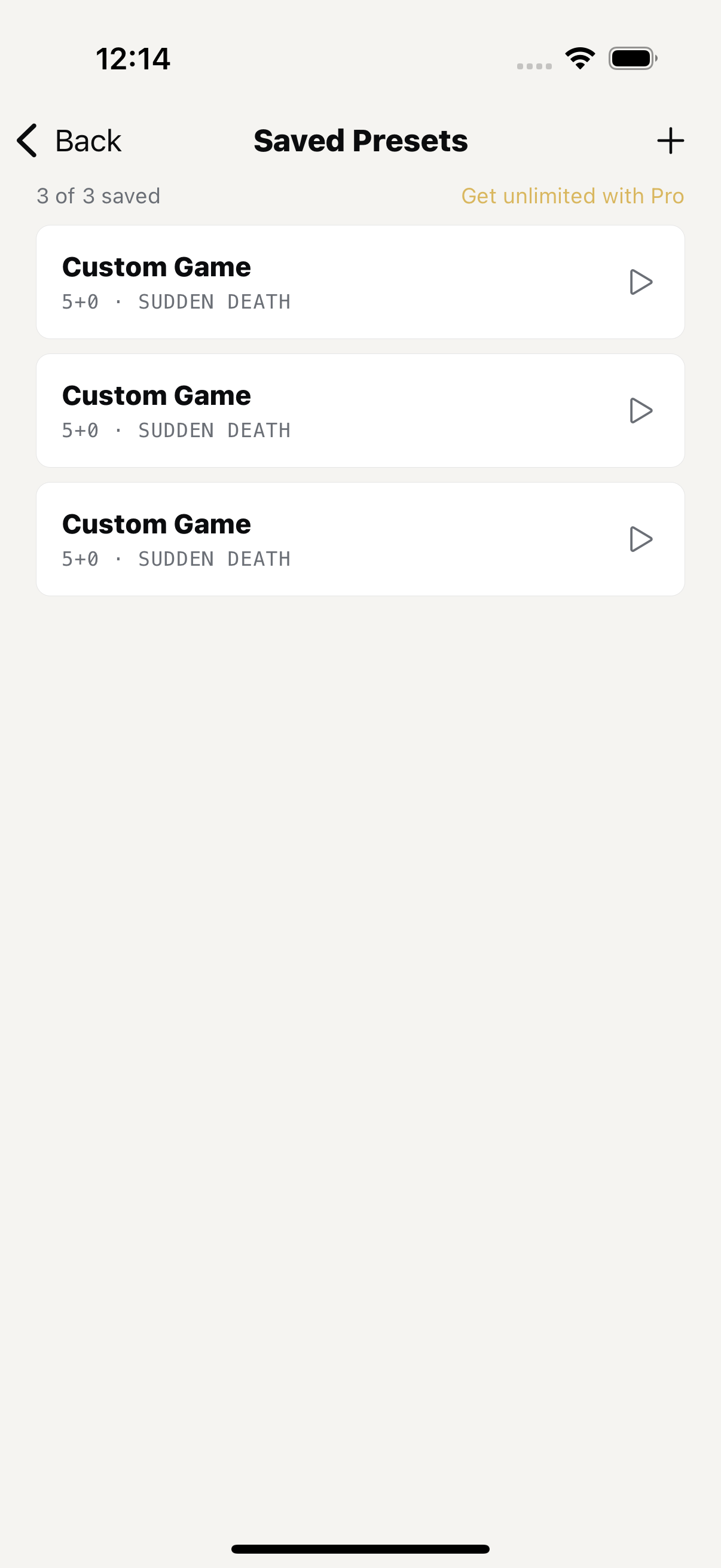
Save the controls you actually use: club blitz, rapid with increment, odds games, and teaching setups.
The flow
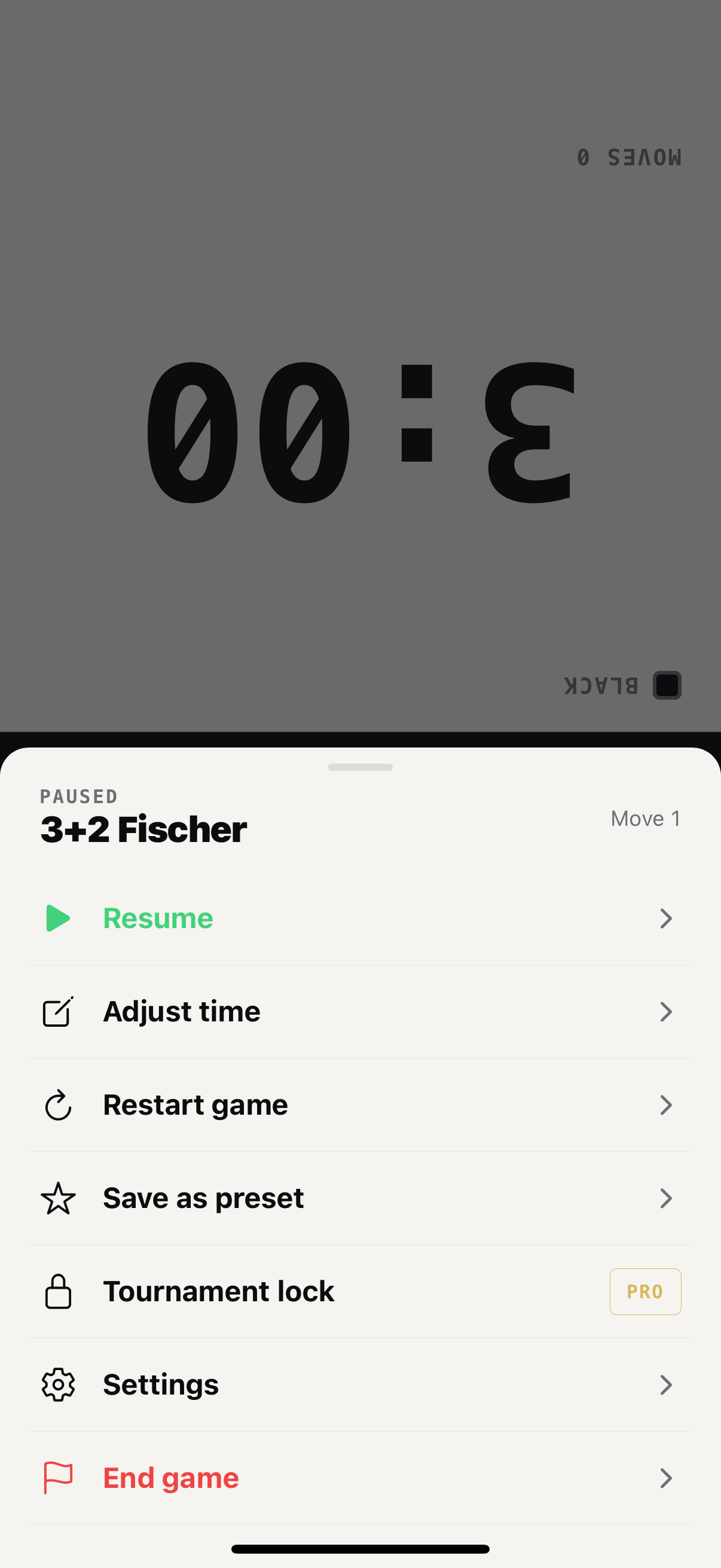
Choose a preset for blitz, build a custom control when needed, then leave the screen alone until someone hits their side.
Time controls
Most games are simple. Some aren't. You can still set them up without digging through a tournament-director manual.
The usual club blitz control.
Enough time to think without a long setup.
Five-second delay before the clock runs.
Overtime periods for Go, Shogi, and variants.
Move blocks after main time.
Move-count stages for club and tournament practice.
Blitz, rapid, rematches. Start the next game without rebuilding the control.
Practice delay, increment, stages, and lock mode before event day.
Set odds or unequal times, then check history when the lesson is over.
Download
Keep the controls you use often, start games quickly, and leave the physical clock at home.